




Show Off Your Vibe: How To Add Music To Your Instagram Profile With These Simple Steps
Instagram's new feature lets users showcase their favourite music directly on their profile page. Here’s how you can also go about it:
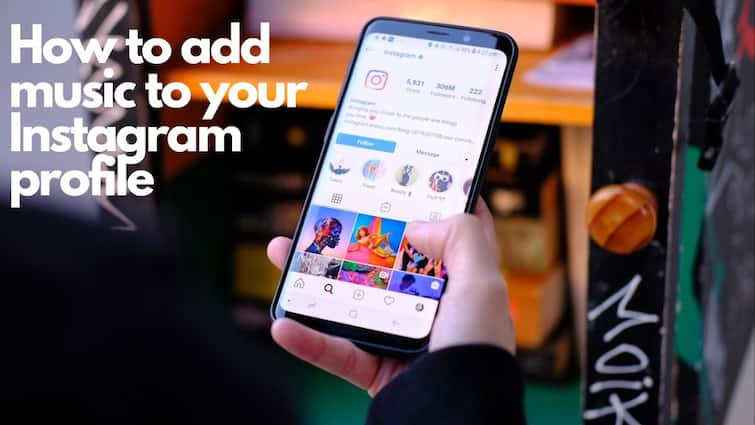
Meta-owned Instagram continues to innovate, adding exciting new features to enhance creativity and fun for its users. The platform has already integrated music into Stories, Posts, and Reels, and now it's taking it a step further by letting you add music directly to your profile page. With this new feature, you can showcase your favourite tracks or reflect your mood through music right on your profile. However, Instagram isn’t the first to offer this capability. MySpace, a social media platform from the early 2000s, was among the pioneers in allowing users to add songs to their profiles.
ALSO READ: Say It Right: Google Users Can Now Record and Add Their Name Pronunciations To Their Profiles — Here’s How
What Is The New Feature And How It Works?
This latest Instagram feature allows you to add a song to your profile, displaying it right below your bio. You and your followers can play the song directly from the profile page. It promises to be a dynamic and engaging way to connect with your audience, adding a unique personal touch to your Instagram presence. Whether you’re showcasing your favourite track or setting a musical mood, this update can open up exciting new possibilities for self-expression and creativity.
ALSO READ: iPhone Users Can Share Media As Documents On WhatsApp: Here’s How
How To Add Music To Your Instagram Profile
The feature is now available for both Android and iOS users, but keep in mind that you can’t add or view music on your profile through the web version of Instagram. Not sure how to get started? No worries—here’s a step-by-step guide to help you add that perfect track to your profile:
1. Update Your Instagram App
Make sure you have the latest version of the Instagram app installed. Update it from the Google Play Store or Apple App Store if needed.
2. Open Instagram
Launch the Instagram app on your smartphone.
3. Go to Your Profile
Tap on your profile picture located at the bottom right corner of your screen.
4. Edit Your Profile
Tap on Edit Profile to open your profile settings.
5. Add Music
Look for the Music option under Edit Profile and tap on it.
6. Select Your Profile Song
Tap on the (+) icon available within the Profile Song section. Search for a song that you want to feature on your profile and select it.
7. Trim and Confirm
Trick the song to your desired length and tap the checkmark icon to confirm your selection.
8. View Your Profile
Return to your profile screen to see the song displayed below your bio.
Top Headlines













