Someone Using Your Aadhar Card To Purchase Phone Connection? This Is How You Can Find Out
Has someone purchased a mobile connection using your Aadhar card? You can easily find out. As per TRAI, 18 SIMs can be purchased using 1 Aadhaar. This is how you can check if someone has taken a phone connection using the details on your Aadhaar.
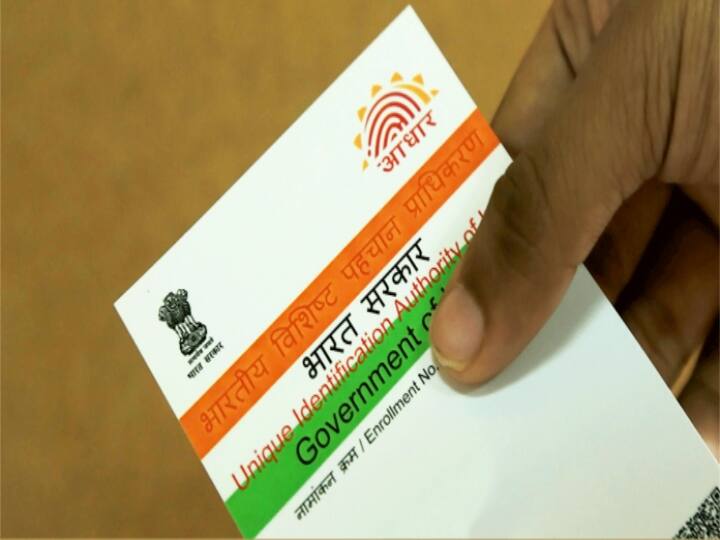
As mentioned earlier, 18 phone connections can be bought using 1 Aadhar card. So, if you want to find out if someone else has bought a phone sim using your Aadhar card, then you can easily find out about it. Let us see how to check the phone numbers registered with an Aadhar card.
How many sim cards can be purchased with 1 Aadhar card?
Where 9 SIM cards could be purchased from one Aadhaar earlier, now 18 SIM cards can be purchased through 1 Aadhaar card, according to TRAI (Telecom Regulatory Authority of India). The limit has been increased from 9 to 18, keeping in view the needs of people who need more SIM cards for business.
Steps to find out how many phone numbers are registered on a single Aadhar number.
To find out how many numbers are linked with the Aadhar card, your mobile number should be linked to the Aadhar card.
To find out, visit the Aadhaar website UIDAI.
Click on 'Get Aadhaar' on the home page.
Then, click on 'Download Aadhaar'.
Click on the 'View More' option.
Go to 'Aadhaar Authentication History' by clicking on 'Aadhaar Online Service' here.s
Now go to 'Where can a resident check/ Aadhaar Authentication History' and click on the given link.
Here a new interface will open. Enter your Aadhaar number, enter the captcha code, and click on 'Send OTP'.
On authentication type select 'All'.
Now you can enter the date from when you want to see the data.
Now enter number of records you wish to see here. Enter OTP here and click on 'Verify OTP'.
After this a new interface will open.
From here you can get your details.
Top Headlines