Smartphone Tips: If Your Phone Hangs Frequently Follow These Simple Tips To Optimise
If your new smartphone operates slowly, there can be many reasons for it. Today we are telling you what could be the reasons for the slow working of the smartphone.
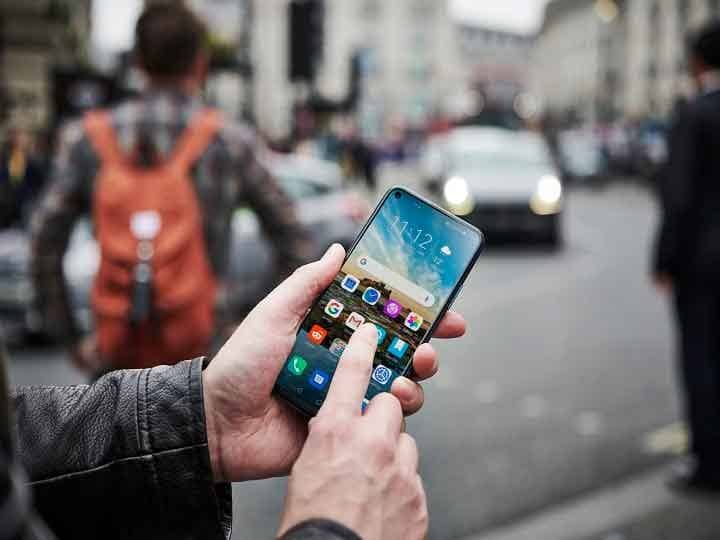
New Delhi: New smartphones are being launched continuously ahead of the festive season. Phones at different prices are being launched. It is often seen that despite powerful batteries and processors, the smartphone hangs frequently.
Today we are going to tell you some things that you can keep in mind and prevent your smartphone from hanging.
- Don't Use Live Wallpapers
Often users set live wallpapers on their smartphones, which can cause hanging of the phone. The live wallpaper slows down the screen. To prevent the phone from hanging, use static wallpapers.
- Keep Cleaning Cache Files
Clean up the cache file of applications you often use in smartphones from time to time. After deleting such files, the app is restored and the phone does not hang.
- Reset Smartphones
If you are using any kind of smartphone, you need to reset it from time to time for better performance. The customer should reset the phone once every six to seven months. Along with reset, the cache of the apps should also be cleared. This makes smartphones operate faster.
- Update Smartphones
Sometimes smartphones operate slowly as they are not updated on time. Updating brings new features to the phone which significantly speed up the performance of your smartphones.
- Restart Your Phone Once
New smartphones should be restarted when they start to slow down. This deletes temporary files in the Android system. At the same time, the memory of the smartphone is also cleaned. This helps phones to operate faster.
- Reduce Internal Storage
Users often save all their data in the internal storage of the smartphone. Once the internal storage is full, the phone slows down. This makes it difficult to use. Hence it is necessary to free up the internal storage of the phones. Once the internal storage is empty, the phone starts working well.
Top Headlines