How To Set Up Auto-Pay For Your Credit Card: A Step-By-Step Guide
Auto-payment allows your linked bank account to automatically process monthly payments for your credit card charges. Once you set up auto-pay, the system will withdraw payments on the due date
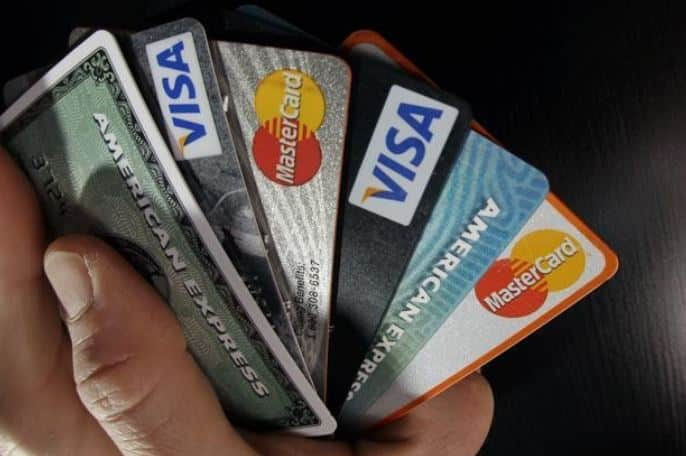
Managing credit card payments can be difficult due to multiple due dates, and missing a payment can harm your credit score and result in hefty late fees. Setting up auto-pay is an easy solution that ensures your payments are made on time.
Here are the steps that will guide you through the process of credit card payment automation, outlining its benefits and potential drawbacks to help you make an informed decision.
What is Credit Card Auto-Payment?
Credit card auto-payment allows your linked bank account to automatically process monthly payments for your credit card charges. Once you set up auto-pay, the system will withdraw payments on the due date, either for the full balance, the minimum payment, or a specific amount you choose.
Benefits Of Automating Credit Card Payments
Auto-pay offers a convenient way to eliminate the need for manual monthly transactions, ensuring timely payments every time. This system helps maintain a consistent payment history, which is crucial for a healthy credit profile. Additionally, auto-payment simplifies financial management by removing the need to remember or log into multiple accounts for bill payments.
Also Read : Mercedes-Benz To Offer Buy-Outs, Slash Salary Hikes By Half, See What Led To This Decision
Drawbacks Of Setting Up Auto-Pay For Credit Cards
While auto-pay removes the need for manual checks, it can lead to missed fraudulent or incorrect charges, as you might stop regularly reviewing your statements. Insufficient funds in your bank account can result in overdraft fees and failed payments, which could harm your credit. Some banks may also charge service fees for auto-pay, although most offer the service for free.
Ways To Set Up Auto-Pay For Your Credit Card Bill
Offline Method
- Visit any bank branch where you have an account and request an auto-debit form (NACH mandate).
- Fill in your credit card details and choose your preferred payment option (full balance, minimum due, or a specific amount).
- Submit the completed form along with a cancelled check to your bank.
- Your bank will automatically deduct the payment from your account to settle your credit card bill each month.
Online Method
- Log in to your bank’s online banking portal via their website.
- Navigate to the "auto-pay" section, usually found under "bill payment."
- Select your credit card and choose your preferred payment option (full balance, minimum due, or a fixed amount).
- Once confirmed, your payments will be automatically deducted from your bank account starting with the next billing cycle.
Top Headlines