Microsoft Windows 11 To Soon Let You Grab Text From Photos On Your Android Device
When viewing images stored on your Android phone in the Phone Link app, you will soon notice a 'Text' icon. Clicking this icon will attempt to detect text within the image, allowing you to copy it.
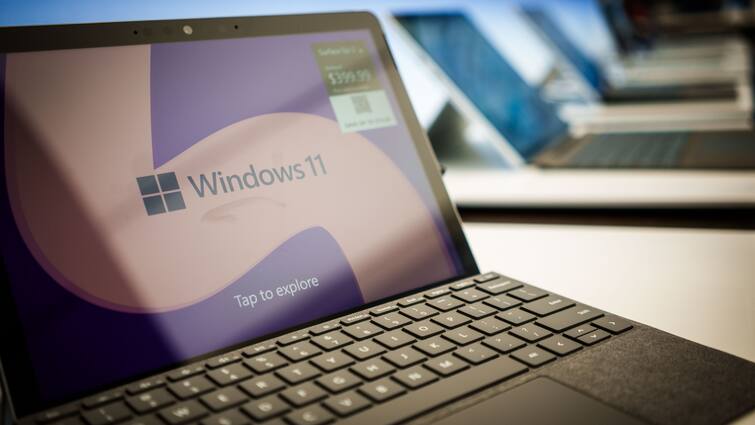
Microsoft has released a new Windows 11 Insider Preview build introducing some exciting features to the pre-installed Phone Link app. The latest update (KB5037858) includes a new "My Phone" button in the app's nearby share section, simplifying the process of sending files from a PC to an Android phone. This is a significant improvement over the previous version, where the option to share files to Phone Link was only accessible after tapping the ‘Share using’ button. Additionally, Microsoft has introduced a feature allowing users to extract and copy text from images on their Android phones to their Windows PCs.
When viewing images stored on your Android phone in the Phone Link app, you will soon notice a 'Text' icon. Clicking this icon will attempt to detect text within the image, allowing users to select and copy the desired text.
For those unfamiliar, the Phone Link app for Windows allows you to sync call logs, messages, notifications, and images from your phone. It also enables you to make calls and cast your phone screen onto your PC.
ALSO READ | Pokemon Fire Red Cheat Codes: From Getting Instant 9,99,999 Money To Having All Master Balls
The new features are available in Phone Link v1.24051.91.0. Since this functionality is currently accessible in the Release Preview Insider build, it is anticipated that Microsoft will soon roll it out for all users.
The Phone Link app was available even before the introduction of Windows 11, but it initially lacked several key features. However, in recent months, Microsoft has been diligently enhancing the app with a host of useful updates. For instance, one notable addition is the ability to use your Android phone as a webcam for your PC, significantly expanding the app's utility.
These continuous improvements reflect Microsoft's commitment to enhancing user experience and providing seamless integration between Android devices and Windows PCs. As the app evolves, it is expected to incorporate even more features, further solidifying its position as an essential tool for users who want to maintain connectivity and productivity across their devices.
Top Headlines