Gemini Veo3: Here's How You Can Create A Demon Slayer Style Anime Video; With Prompt
If you're a fan of anime, this is for you. Google's Veo3 is a new AI tool that can turn a simple prompt into an 8-second video, no editing skills required.

If you are an anime weeb, you’ve probably at least once wished to create your own anime or change the storyline of an existing one. Well, it’s now possible with Gemini’s Veo3, a video generation feature introduced by Google. All you need is an image to guide the tool and a well-crafted prompt to make the anime scene of your choice. We used Veo3 to create a fight scene from one of the most-loved anime, Demon Slayer.
What Is Google’s Veo3?
Google is constantly strengthening its AI tools. Features like ‘Nano Banana’ and Veo3 help create realistic photos and videos, respectively.
Google released the video generation feature a few months ago, but it didn’t create as much buzz back then compared to the image generation model, ‘Nano Banana.’ Gemini’s Veo3 currently generates 8-second videos, with sound included only if you choose.
How To Create Videos With Veo3 (Demon Slayer Edition)
Step 1:Open Gemini and click on the tools icon.

Step 2: Click on the ‘Create Videos With Veo’ option.
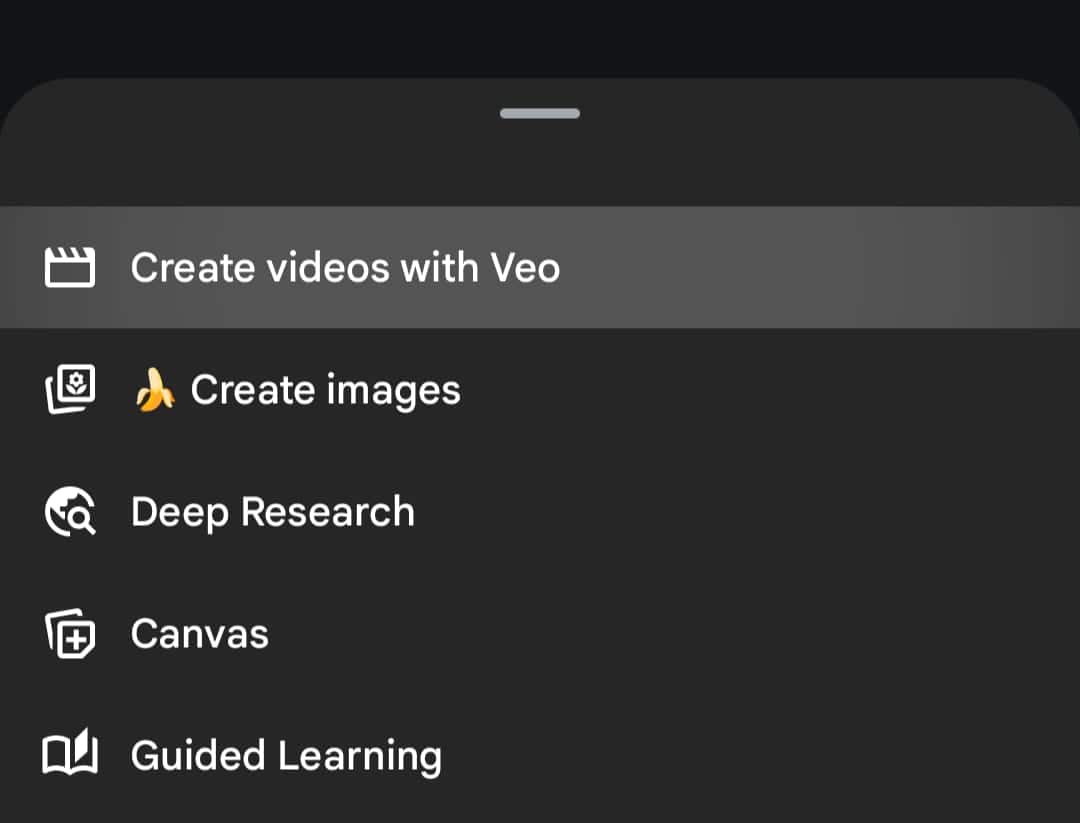
Step 3: Enter your prompt in the input box. You can also add reference images to help Gemini generate a more accurate video.
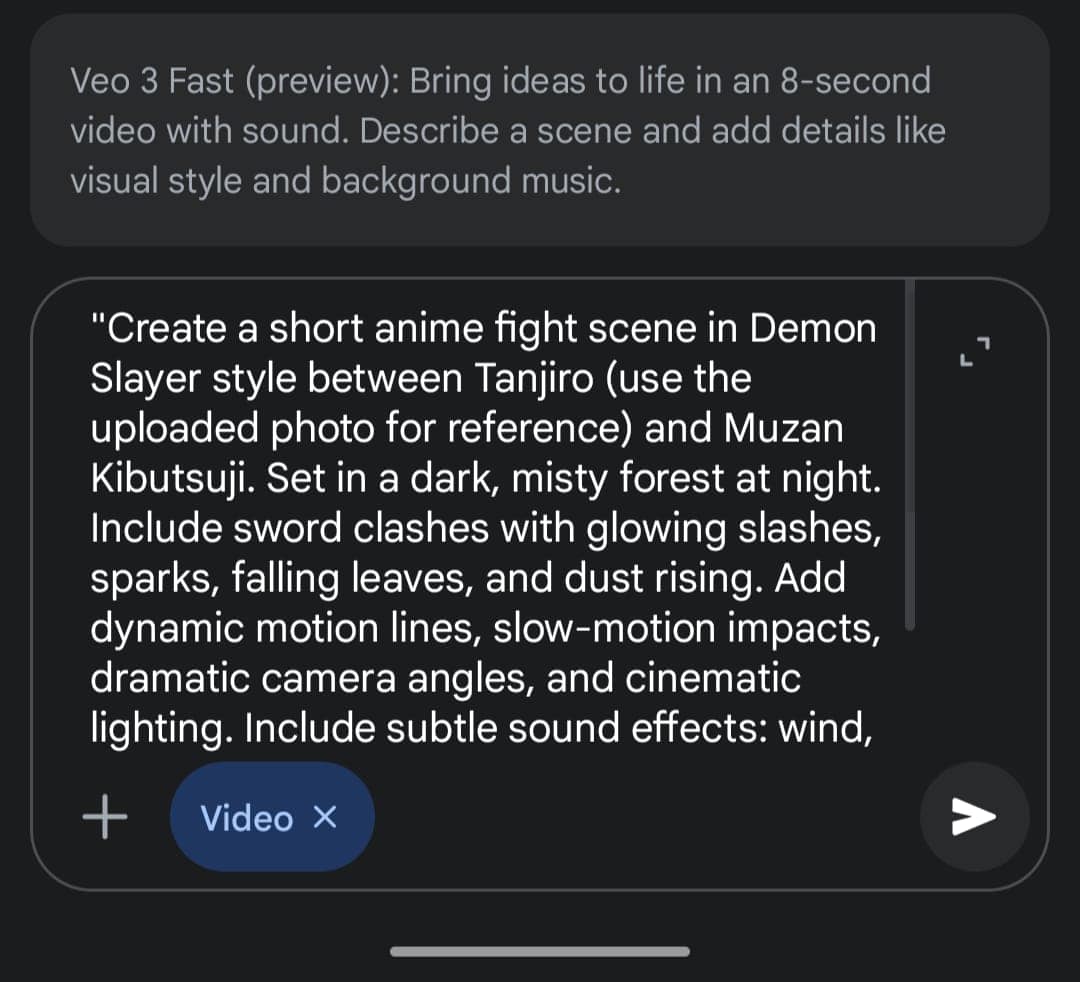
For a Demon Slayer-style fight scene, you can use this prompt:
"Create a short anime fight scene in Demon Slayer style between Tanjiro (use the uploaded photo for reference) and Muzan Kibutsuji. Set in a dark, misty forest at night. Include sword clashes with glowing slashes, sparks, falling leaves, and dust rising. Add dynamic motion lines, slow-motion impacts, dramatic camera angles, and cinematic lighting. Include subtle sound effects: wind, sword clash, and Muzan’s menacing voice. Keep animation fluid, expressive, and true to Demon Slayer’s style."
Step 4: If you like the output, save it and share it on your socials. If not, tweak the prompt or photo and try again. We got this one:
With this feature, you can generate videos with a simple prompt; no editing skills required



Top Headlines