Apple Rolls Out iOS 18.3 Update: Here's What's New For Users & Here's How You Can Download It
While iOS 18.3 is compatible with all iPhones running iOS 18, the Apple Intelligence features are limited to the iPhone 16 series and iPhone 15 Pro models.
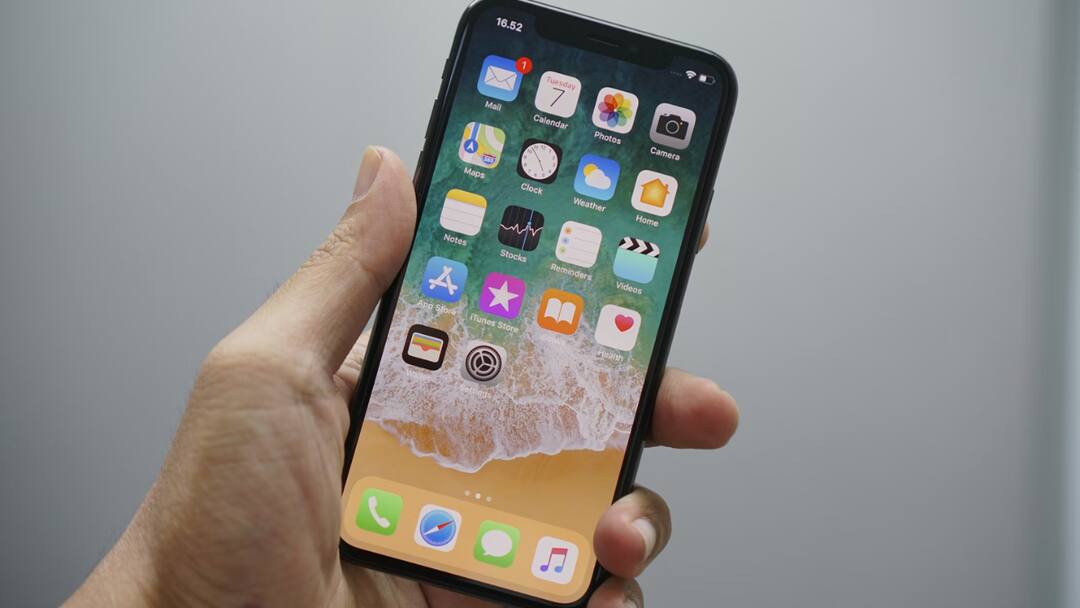
Apple has rolled out the iOS 18.3 update for eligible iPhones, introducing several new features and enhancements. This update brings advanced Visual Intelligence capabilities exclusively to the iPhone 16 series and includes updates to Apple Intelligence-powered Notification Summaries. Additionally, it addresses several user-reported issues, including a bug that caused Apple Music to continue playing even after the app was closed.
While iOS 18.3 is compatible with all iPhones running iOS 18, the Apple Intelligence features are limited to the iPhone 16 series and iPhone 15 Pro models, leveraging their enhanced hardware capabilities.
ALSO READ | OpenAI Chief Praises DeepSeek's R1 Model, Elon Musk Takes A Dig: Here's What Industry Leaders Have To Say
What Is New In iOS 18.3?
- Visual Intelligence: Post the update, if Visual Intelligence viewfinder detects a poster or a flyer, it will easily let the user add an event to the calendar. It will now be able to identify plants and animals.
- Notification Summaries: The iPhone maker has temporarily disabled the controversial feature following reports of its inaccuracies. Users will now be able to manage settings for notification summaries from the Lock Screen. The updated style distinguishes them from other notifications by using italicised text and the glyph.
- Bug Fixes & More: The iOS 18.3 update reintroduces the functionality to perform consecutive calculations using the equals button in the Calculator app. It also addresses a bug that caused audio playback in Apple Music to continue until the track finished, even after the app was closed. Additionally, the update resolves an issue where the keyboard could unexpectedly vanish when starting a typed Siri request.
How To Install Apple iOS 18.3?
- Go to Settings.
- Click on General and find the Software Update section, click on it.
- If an update is available then your iPhone will reflect the option to download it. Begin the process.
- Once downloaded, you will be able to update immediately, install later, or select Remind Me Later.
- Install as per your wish.
- If asked, enter your passcode.
Top Headlines