




Explorer
Android Phone Tips: How To Delete Call History On Android Smartphone
Android Phone Tips: It's easy to delete the information of a particular call or purge the call history altogether.
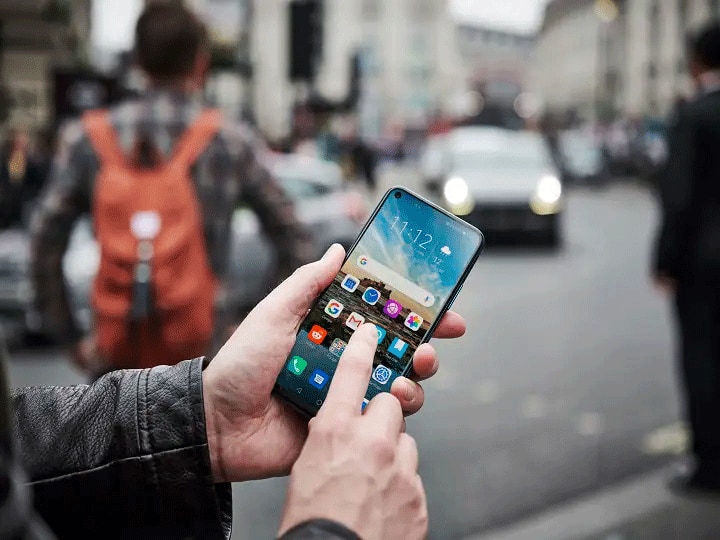
Android Phone Tips | Representative Image
It is easy to check the call history on Android smartphones. This means that one can check whom you have called or whose call you have received. It is also possible to learn if you have missed a call at any point in time. If you do not want anyone to see your call history, you can delete it.
It's easy to delete the information of a particular call or purge the call history altogether. Let's go through the entire process step by step.
Steps To Delete Call History
- On your Android smartphone, search and open the phone app.
- After the phone app opens, you'll be able to see the call history
- Tap on the 'Recent' option on the bottom left corner.
- To delete a single call detail, tap on the button with a small 'i' inside a circle on the right side of the bar next to the contact's name or unsaved number.
- After the new window opens, tap on the vertical three-dot icon on the top right corner.
- Now select 'Delete all calls from this number'.
How To Delete Entire Call History
- If you wish to delete the entire call log from your smartphone, tap on the 'Recents' button at the bottom left corner.
- On the top right corner, you will see a three-dot icon. Tap on it.
- Select 'Delete Call Log.' If you don't have this option, go to 'Settings' > 'Calls' > 'Call Logs.' You can delete the call log from here.
- Select 'Delete call log.' If you don't have this option, visit 'Settings' > 'Calls' > 'Call Logs.' You can delete the call log from here.
Factory Data Reset
- You can also delete all files and settings from the system by using the 'factory reset' option.
- Call logs can also be deleted, including dialed calls, received calls, and missed calls.
- However, choose this as the last option. Before using the 'factory reset' feature, back up the data saved on your Android smartphone.
Top Headlines
Gadgets

Poco M8x 5G Review: Battery That Gives Goals, Pixel That Brings Problems
Gadgets

Canon Camera Deals On Amazon Right Now: EOS R100 At Rs 44,989, EOS R50 V At Rs 67,990, More
Gadgets

Amazon Great Indian Festival 2026: Best Smartphone Deals By Budget, From Rs 13,999 To Rs 84,999
Gadgets

Amazon Great Indian Festival 2026 Headphone Deals: Sony WH-1000XM6 At Rs 34,920, JBL At Rs 2,799, More











See Today's Weather 
powered by



