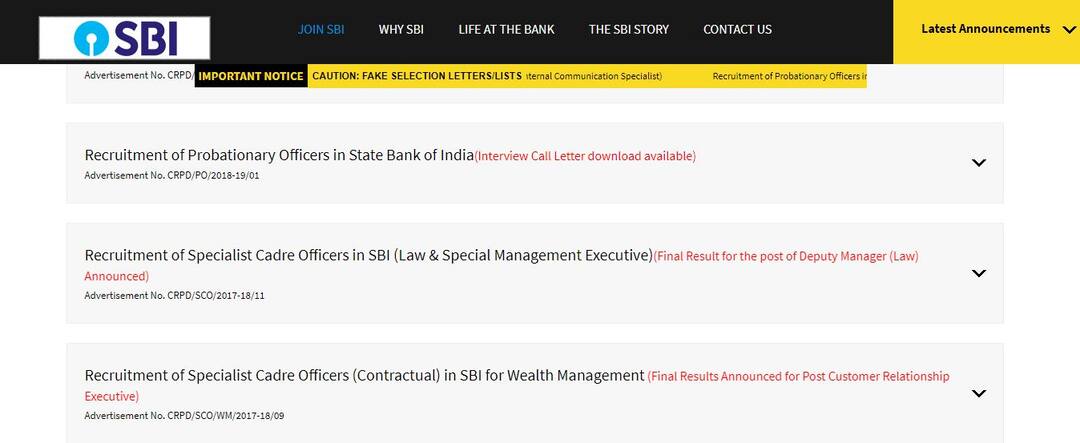
SBI PO Admit Card 2018: Here's how to download SBI PO Interview 2018
Step 1) Go to the official website of SBI, sbi.co.in, sbi.co.in/careers Step 2) On the homepage, under the 'careers' page, click on the PO interview admit card download announcement Step 3) Enter the details like registration number and date of birth Step 4) Click on 'Submit' or press 'Enter' Step 5) Admit cards will be displayed on the screen Step 6) Download the same and take a printout of the same Direct link: Download Admit CardsSelection process The examination will be held in three phases — • Preliminary • Main • Interview round The aspirants have to first qualify the preliminary round and if they clear it, then the exam authority will conduct the main examination. Successful candidates in the main examination will be called for the group exercises and interview. All the best!Education Loan Information:
Calculate Education Loan EMI